Before you begin, check the Getting Started section if you haven’t already. Let’s see how to bulk import multiple crossword contents in seconds. Check out the H5P Crossword content to know how it works. To automate the content creation, all you need is a JSON file. Download the sample crossword JSON file. Now, go to the WordPress admin side and click on the H5 Automation menu.
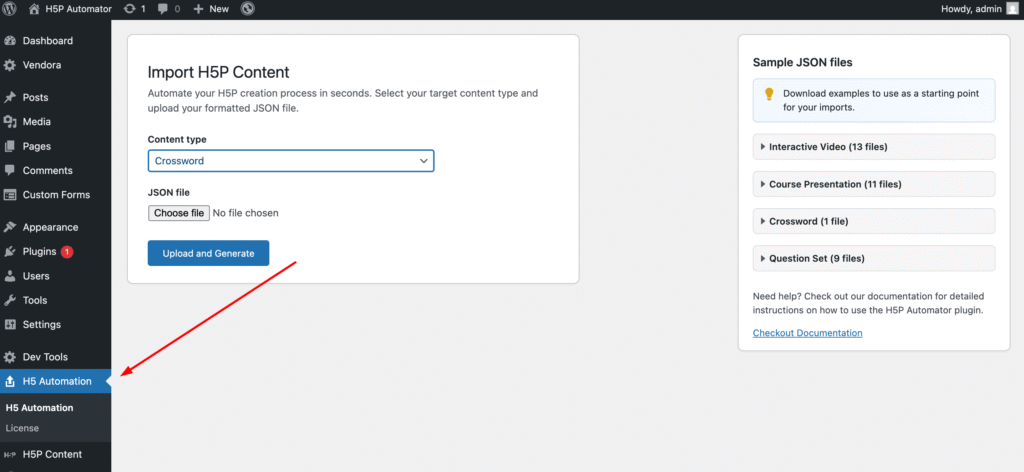
Select “Crossword” from the Content Type dropdown, choose the downloaded JSON file, and click the upload and generate button. And you are done with the crossword content creation.